

Maya Okafor
Shapes every collection from first sketch to final stitch.
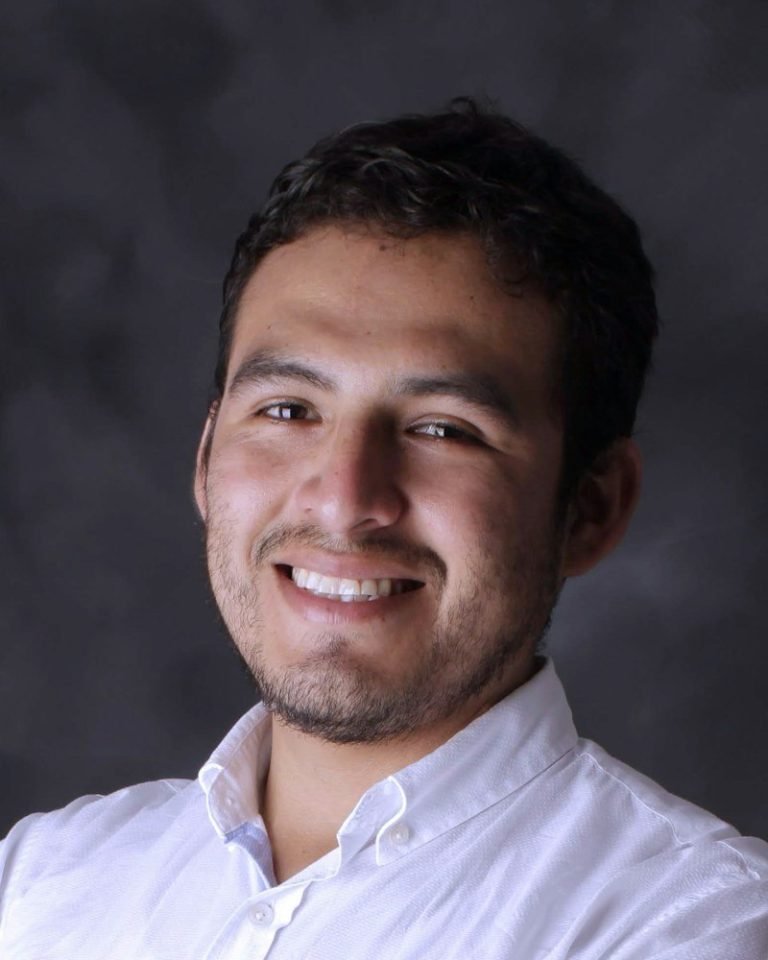
Daniel Brandt
Runs the print floor and knows every machine by name.
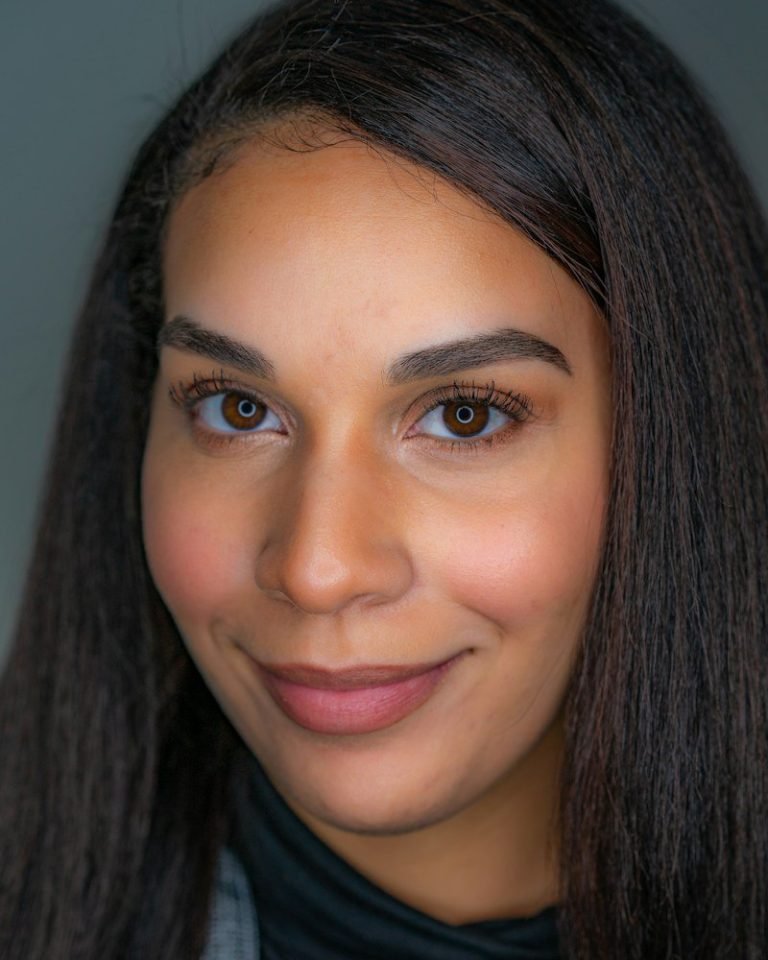
Priya Raman
Answers your emails, usually before you have finished writing them.

Maya Okafor
Hover: cross-fade.


Tom Whitfield
Hover: slide up.


Lena Kovač
Hover: zoom in.
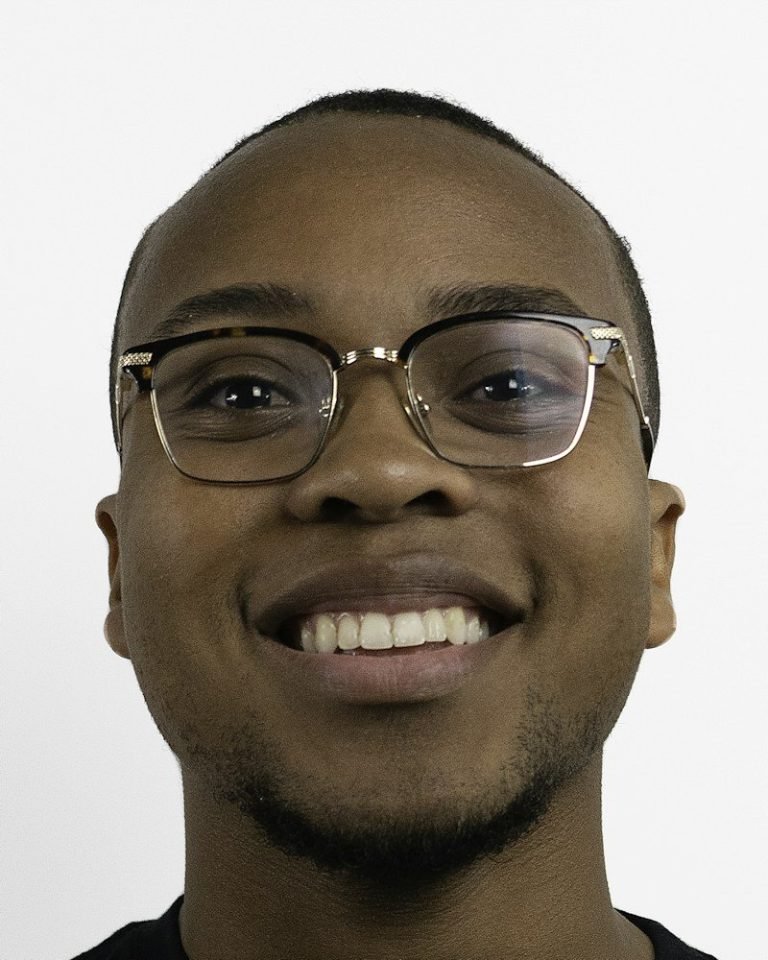
Kofi Mensah
Hover: wipe from the left.
Maya Okafor
Round avatar, 140px.
Daniel Brandt
Ringed avatar with a glow.
Priya Raman
Inset photo with rounded corners.
Tom Whitfield
Grayscale, colour and zoom on hover.
Lena Kovač
Left aligned with a divider.
Kofi Mensah
Bold name, uppercase role.
Maya Okafor
Hover: the card turns dark and text recolours.
Daniel Brandt
Priya Raman
Brand colour backgrounds.
Tom Whitfield
Brand colour icons, grow on hover.
Lena Kovač
Email, phone, website and a custom icon; brand colour on hover.
Kofi Mensah
Per-item colours and square buttons.
Maya Okafor
Daniel Brandt
Priya Raman
Tom Whitfield
Maya Okafor
Opens a popup with the photo and name repeated.
Priya Raman
Popup without the header, pale yellow, close on the left.
Tom Whitfield
Lift.
Lena Kovač
Grow.
Kofi Mensah
Accent line in green.
Maya Okafor
A dark card.
Maya Okafor
Shapes every collection from first sketch to final stitch.

Daniel Brandt
Runs the print floor and knows every machine by name.
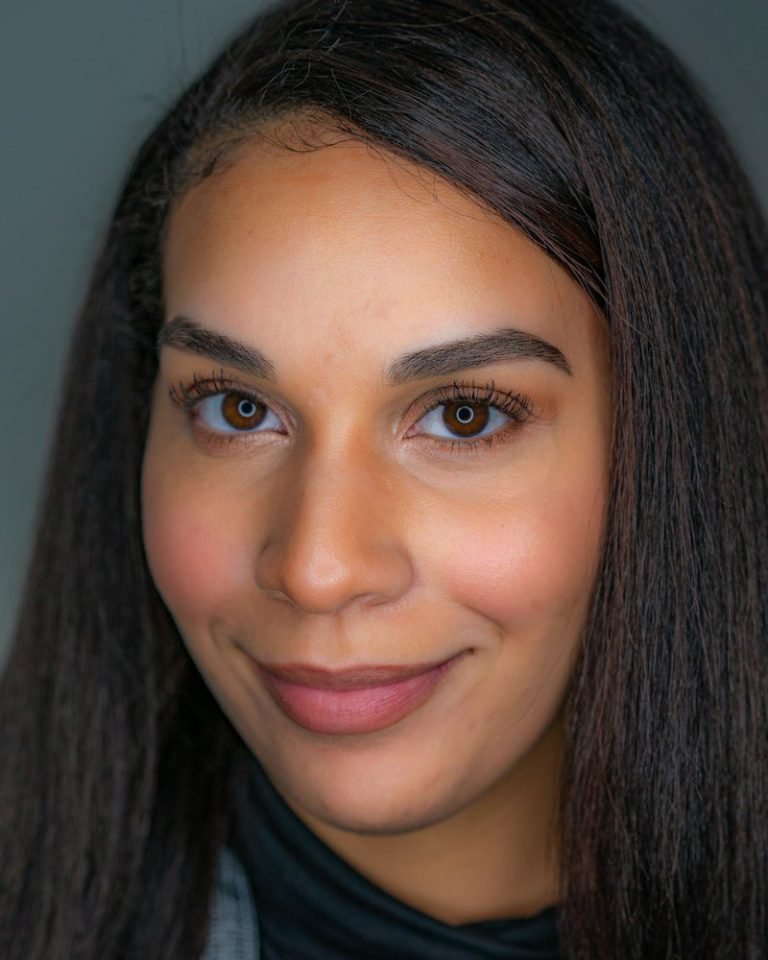
Priya Raman
Answers your emails, usually before you have finished writing them.
Tom Whitfield
Started the shop from a spare room in 2016.
Lena Kovač
Shoots every product on our roof, weather permitting.
Kofi Mensah
Keeps the store fast and the checkout painless.
Tom Whitfield
Started the shop from a spare room in 2016.
Maya Okafor
Shapes every collection from first sketch to final stitch.